
WebGPU in p5.js
We recently put up a release candidate build of p5.js 2.2. The main new thing in that build is a new WebGPU mode! It's something I've been working on since June along with some other contributors in the p5/Processing community. Specific thanks to Luke for implementing some of the WGSL shaders and Charlotte for general WebGPU advice and also for helping sort out testing on CI!
This won't be replacing WebGL mode for a while, and it's still very new and will benefit from testing and feedback. But it represents the start of where we see p5 going in a few years, so I wanted to talk a bit about it.
What is WebGPU, anyway?
Let's first take a step back and talk about WebGL. WebGL, as a technology, has for a number of years been the way to do hardware-accelerated rendering in the browser. Often, it's used for 3D content, as an example of a particularly computationally heavy thing that your GPU is great at. But it is not exclusively useful for 3D: shaders are also capable of being used for plenty of visual effects that need per-pixel control. For example, a little while ago p5.js rewrote its filters to use shaders to speed them all up. WebGL mode in p5.js is not exclusively used for doing 3D content: you can do 2D drawing in it too. It has some weaknesses—for example, drawing high fidelity lines in WebGL mode is possible but it will generally be slower than in 2D mode—but it also has some unique abilities beyond 2D mode, like the ability to animate geometry with shaders, or apply dynamic per-pixel textures.
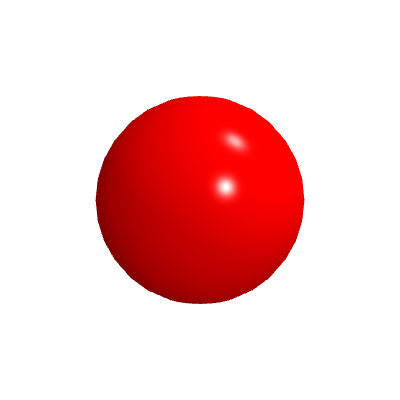
Original shape
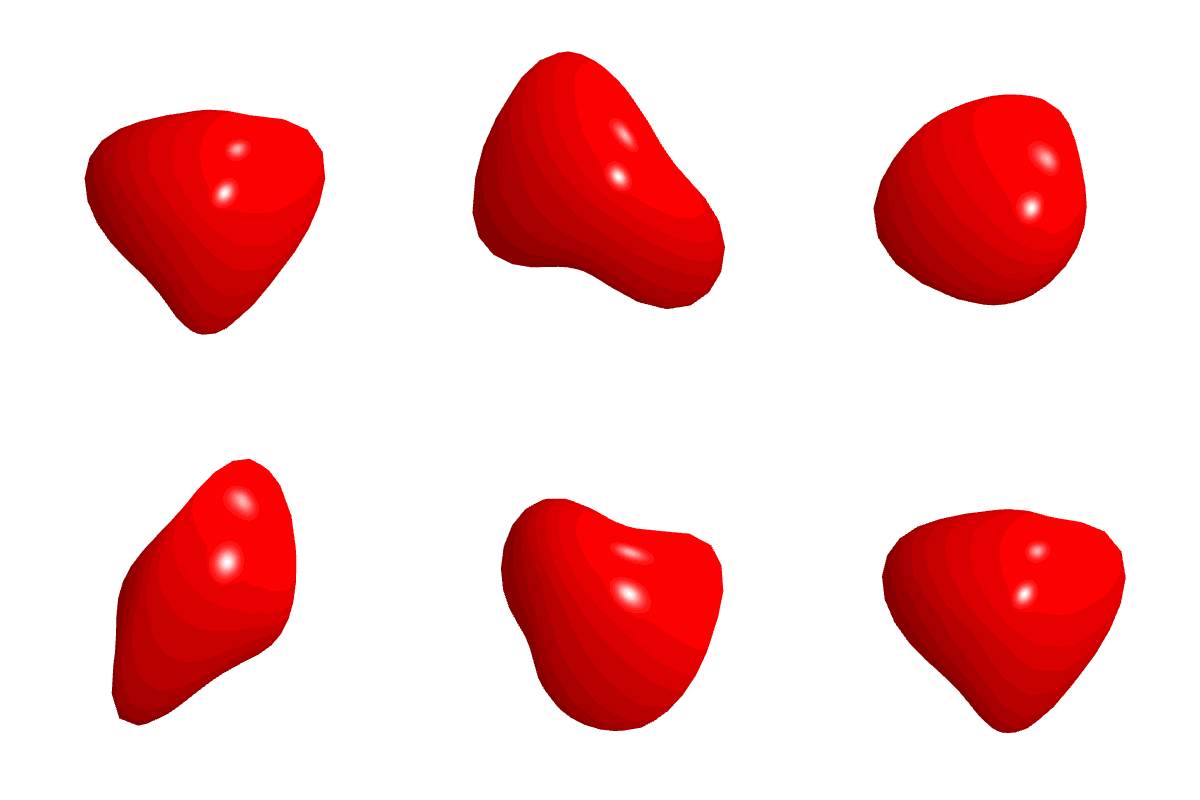
A custom vertex shader can adjust the positions of vertices within a shape
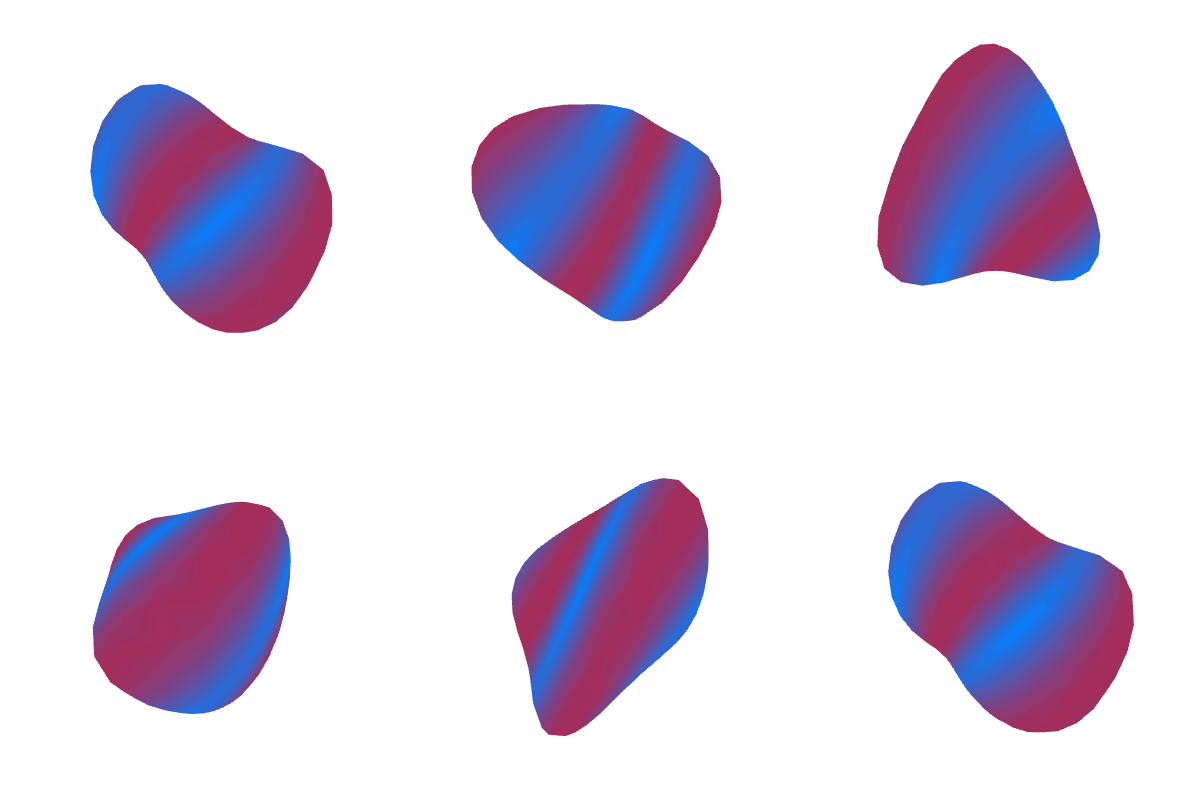
A custom fragment shader can adjust the colors inside a shape
The underlying browser WebGL API is based on OpenGL, a desktop 3D rendering API, and also OpenGL ES, a variant made for mobile devices. OpenGL was in turn the open source version of IrisGL, the graphics API created by Silicon Graphics for their computers. IrisGL was first open sourced as OpenGL in 1992. Development of IrisGL itself started in 1982. So WebGL's lineage goes quite far back in computer graphics history.
In recent years, usage of your GPU has evolved. It's no longer exclusively for graphics! I'm sure you've heard that AI training and inference can use GPUs. And even within graphics, it's no longer exclusively used for mesh-based rendering. Gaussian Splats are a recent advancement in rendering that makes heavy use of the GPU but without traditional meshes. All of these applications are possible using WebGL, but they often require some very creative use of the API in ways not originally intended, like rendering data to textures by encoding the information in colors, or relying on some CPU-based calculations to do global sorting to augment the GPU rendering process. An API update was warranted that would better fit these new uses, alongside the usual graphics applications.
Gaussian Splats rendering of a scene, courtesy of Luma
WebGPU was the industry's response. It's a new API that is quite similar in a lot of ways to WebGL conceptually, but shares zero specific APIs with WebGL. Everything works a little differently. The shading language, WGSL, is not compatible with GLSL. Rather than setting up implicit state like WebGL, it uses explicit state everywhere. Many API calls are asynchronous to reflect the reality that often you want the GPU to be doing the rendering in parallel while you do other calculations. There are desktop implementations of the WebGPU API to set it up from the get go for cross-platform rendering. Importantly, it also has a general compute shader API to let you do arbitrary parallel calculations that have no relation to moving mesh vertices or rendering pixels.
WebGPU is still relatively new. At time of writing in December 2025, it is not yet widely available, although it's certainly getting there. It's turned on by default in Chrome, and also on Firefox on Windows. It's experimental in Firefox on other platforms, and it's experimental in Safari. It's not quite ready for widespread use just yet, but there is a lot of energy around it. While WebGL is not planned on being discontinued any time soon, new developments are happening on WebGPU instead.
The future of p5.js
Clearly WebGPU the future of web graphics, even if it's not quite the present yet. This means that p5.js will eventually need to use WebGPU if we want to be able to offer accessible ways to use the new features offered by the browser. So, we're starting that now by making a WebGPU mode.
WebGPU mode vs WebGL mode
To start with, it is basically a clone of WebGL mode. There are a few differences, like needing to await createCanvas(...) now due to WebGPU being an asynchronous API, but on the whole, we've implemented WebGPU versions of every bit of WebGL functionality.
We've done this because a goal of the p5.js project is to provide an accessible way to make use of technology. It aims to be the easiest way to get into rendering, to provide clear, easy steps to grow your knowledge, and to put these tools at your fingertips to experiment with. In that sense, the goal of WebGL mode was to give you access to 3D rendering, and to give you access to GPU programming via shaders. The new tools offered by WebGPU are in line with this, providing even more generalized GPU programming. For that reason, we're starting with WebGL mode's foundation to grow WebGPU mode.
The next clear step, now that it's at feature parity with WebGL mode, is to start to offer new APIs for those new uniquely WebGPU tools. Last year we launched p5.strands, a way to create shaders in JavaScript. The next step will be to start creating compute shaders in p5.strands so that, within JavaScript, you can do calculations in parallel on the GPU, and then draw the results. Turn your for loop particle system into one on your GPU!
One side benefit of p5.strands is that you are writing your shaders in JavaScript, not GLSL. This means that if you wrote a p5.strands shader in WebGL mode, that same shader should also work in WebGPU mode. That's also how all of p5's internal filters work now! For example, here's the POSTERIZE filter shader:
const posterize = baseFilterShader().modify(() => {
  let bins = uniformFloat();
  let quantize = (c, n) => floor(c * n) / (n - 1);
  getColor((inputs, canvasContent) => {
    let c = getTexture(canvasContent, inputs.texCoord);
    let q = quantize(c.rgb, bins);
    return [q, c.a];
  });
});
I didn't have to write a separate implementation for WebGPU mode, it Just Worked™ in both contexts. We also hope that we can support graceful degradation and provide WebGL fallbacks using this. Already, this can be done manually: in this WebGPU mode test on OpenProcessing, it will fall back to WebGL mode if your browser does not yet support WebGPU.
WebGPU mode vs 2D mode
While there are certainly opportunities for recreating more optimized 2D mode functionality in WebGPU, that doesn't immediately make as big of a dent in the access goals mentioned earlier compared to our WebGL mode-inspired approach, so it's not the priority right now.
But there are some other web graphics developments in the works that we hope to eventually piggyback off of. There is a proposal in active development to switch between 2D and WebGL contexts with zero transfer cost. This means you could draw some lines in 2D mode, then switch to WebGPU mode to draw something 3D, then draw some text in 2D mode, then apply a filter shader in WebGPU. This could let us gradually optimize some features of 2D mode via WebGPU, or even simplify some parts of WebGPU mode that just try to recreate 2D functionality.
For technical reasons, I'm told this API is likely never going to exist for WebGL, just WebGPU. So this will just be another way in which WebGPU mode will let p5 expand in the future to make it easier to get the ideas in your head onto the screen.
WebGPU mode right now
You can duplicate this p5.js web editor project and start writing code in p5's WebGPU mode! I expect there will be some bugs and performance issues, so please do test it out and let me know what works and what needs work on Github or Discord.
If you're interested in contributing to any of the things described here, feel free to read the contributor docs for WebGPU mode and reach out!